 Clearling
What Clearling does
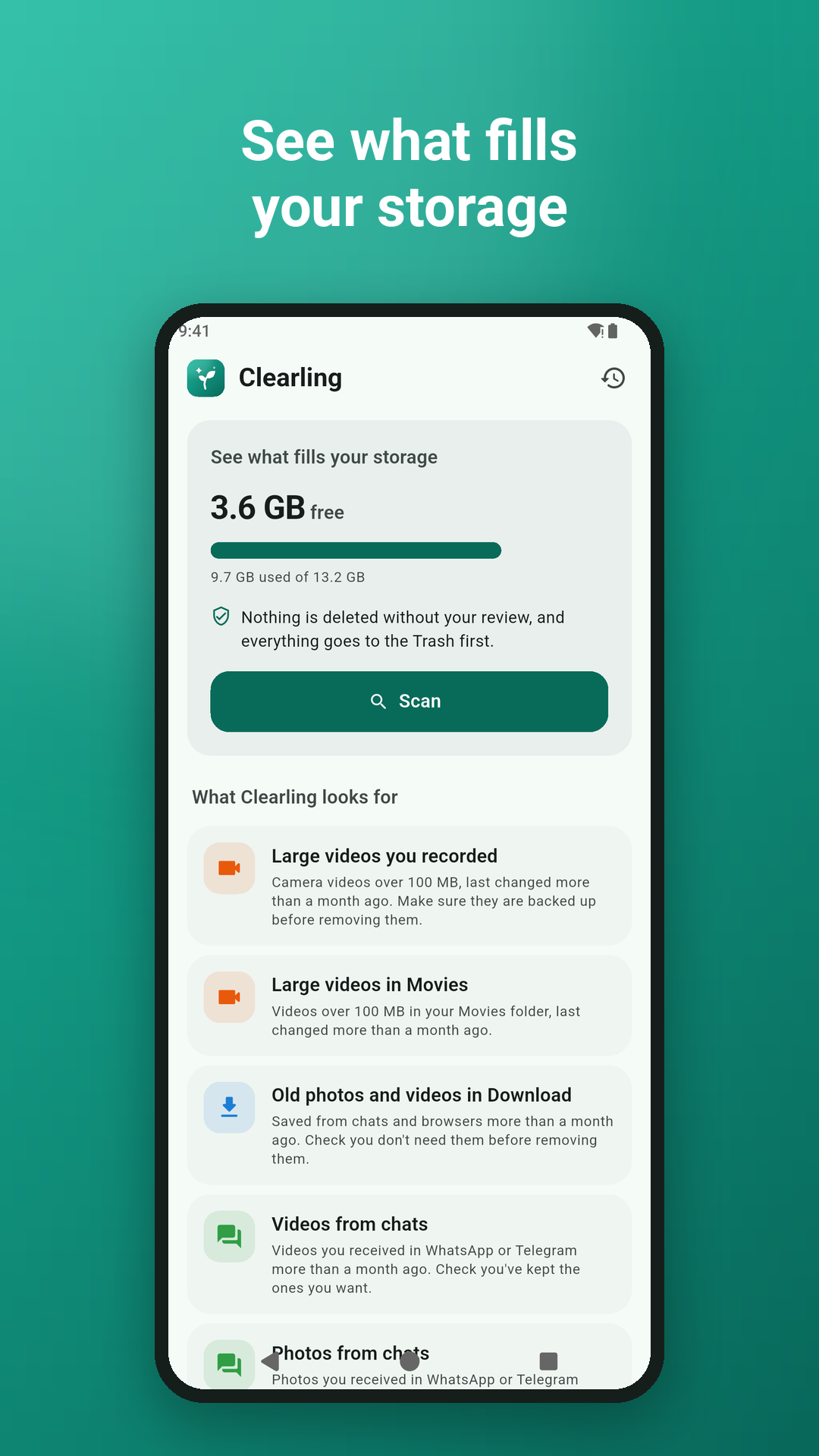
Finds what takes space
- Large videos you recorded: camera videos over 100 MB from more than a month ago
- Large videos in your Movies folder
- Old photos and videos in Download, saved from chats and browsers
- Photos and videos you received in WhatsApp or Telegram more than a month ago
- Old screenshots: the codes, maps and messages you needed for a moment
You decide
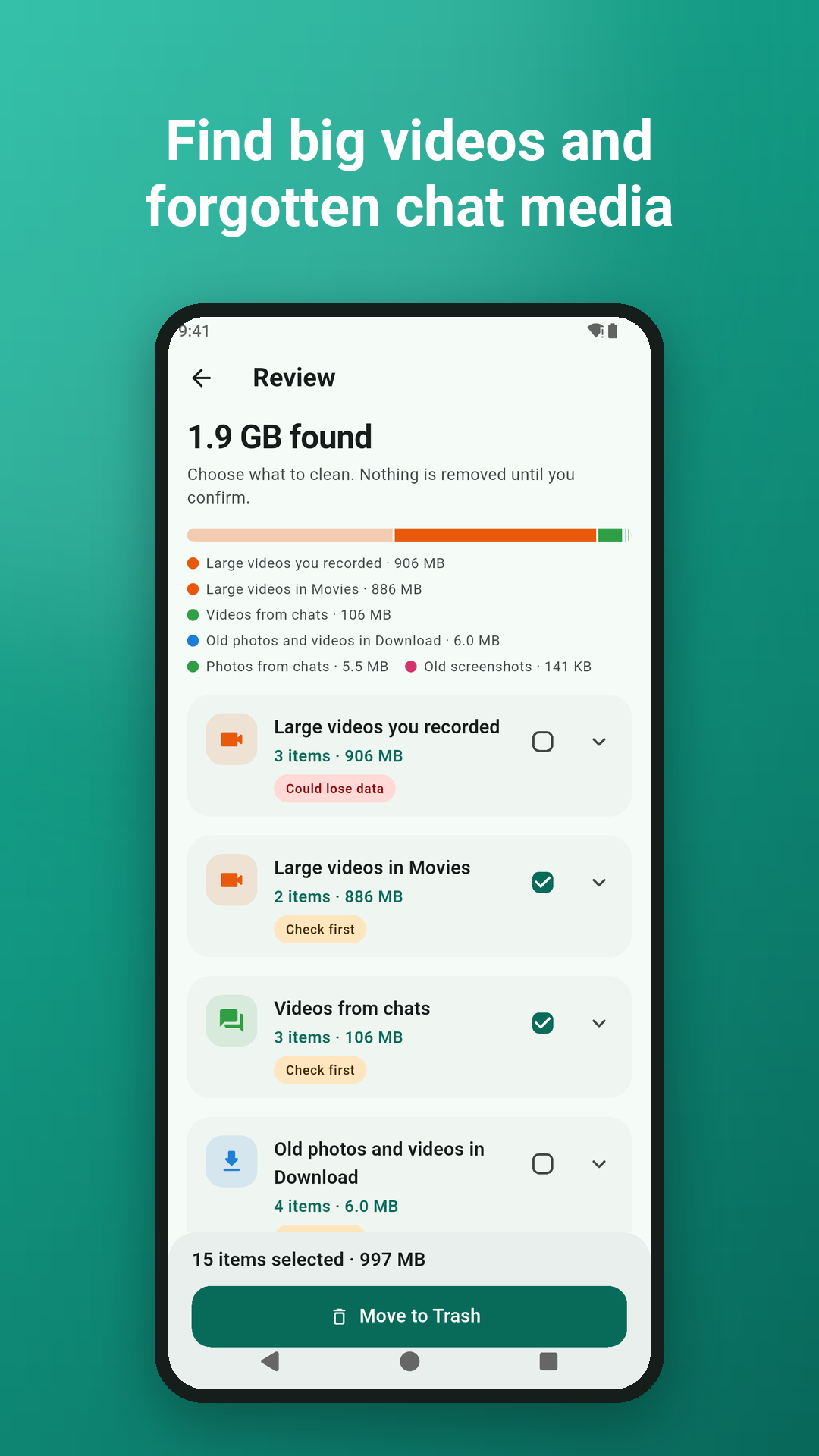
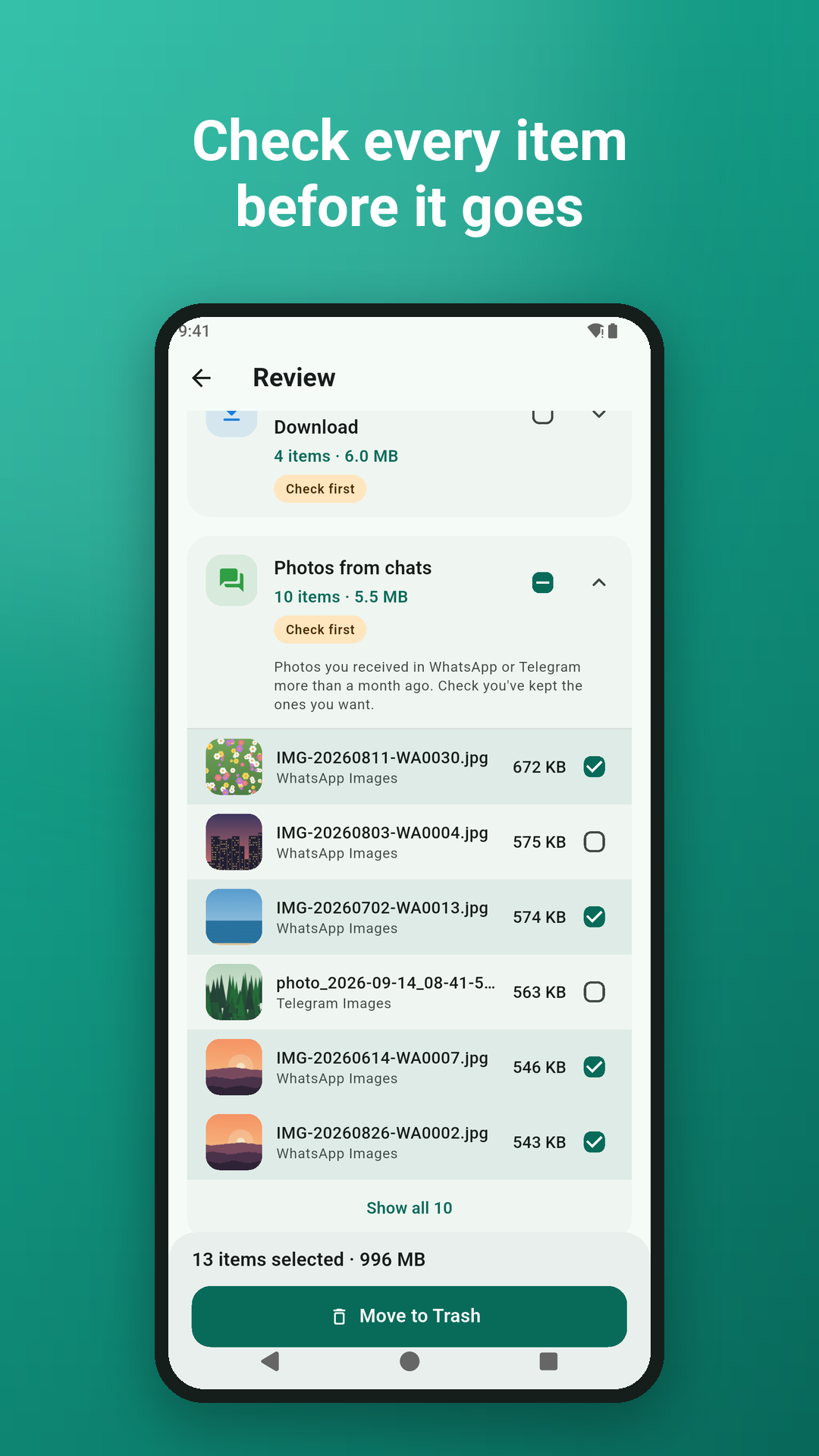
- Nothing is selected for you. You review every item, with a preview and its size.
- Each group says how careful to be: "Check first", or "Could lose data" for your own recordings.
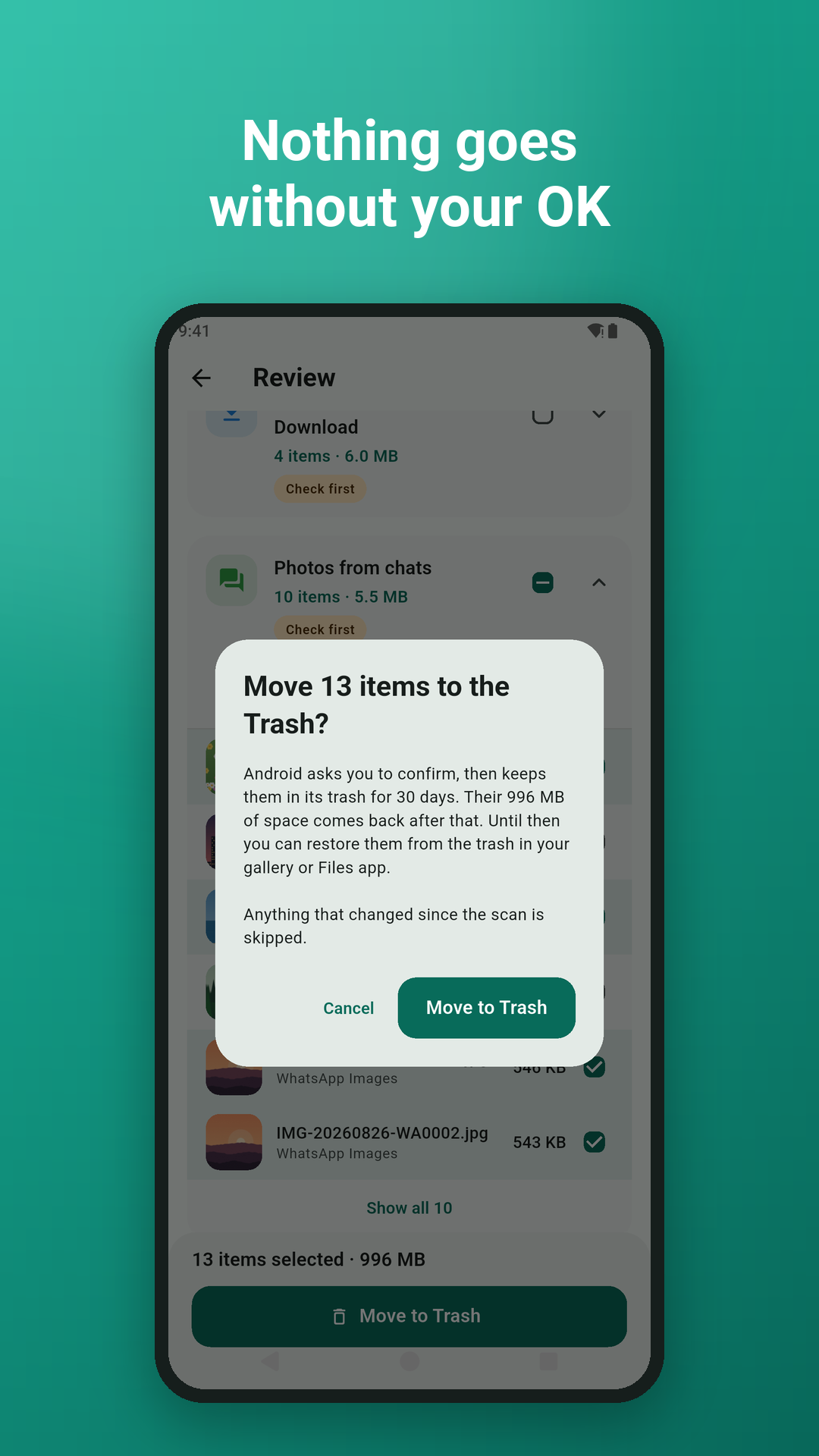
- Before anything moves, Clearling checks again that the file hasn't changed since the scan. Anything that has is skipped.
Nothing is lost by mistake
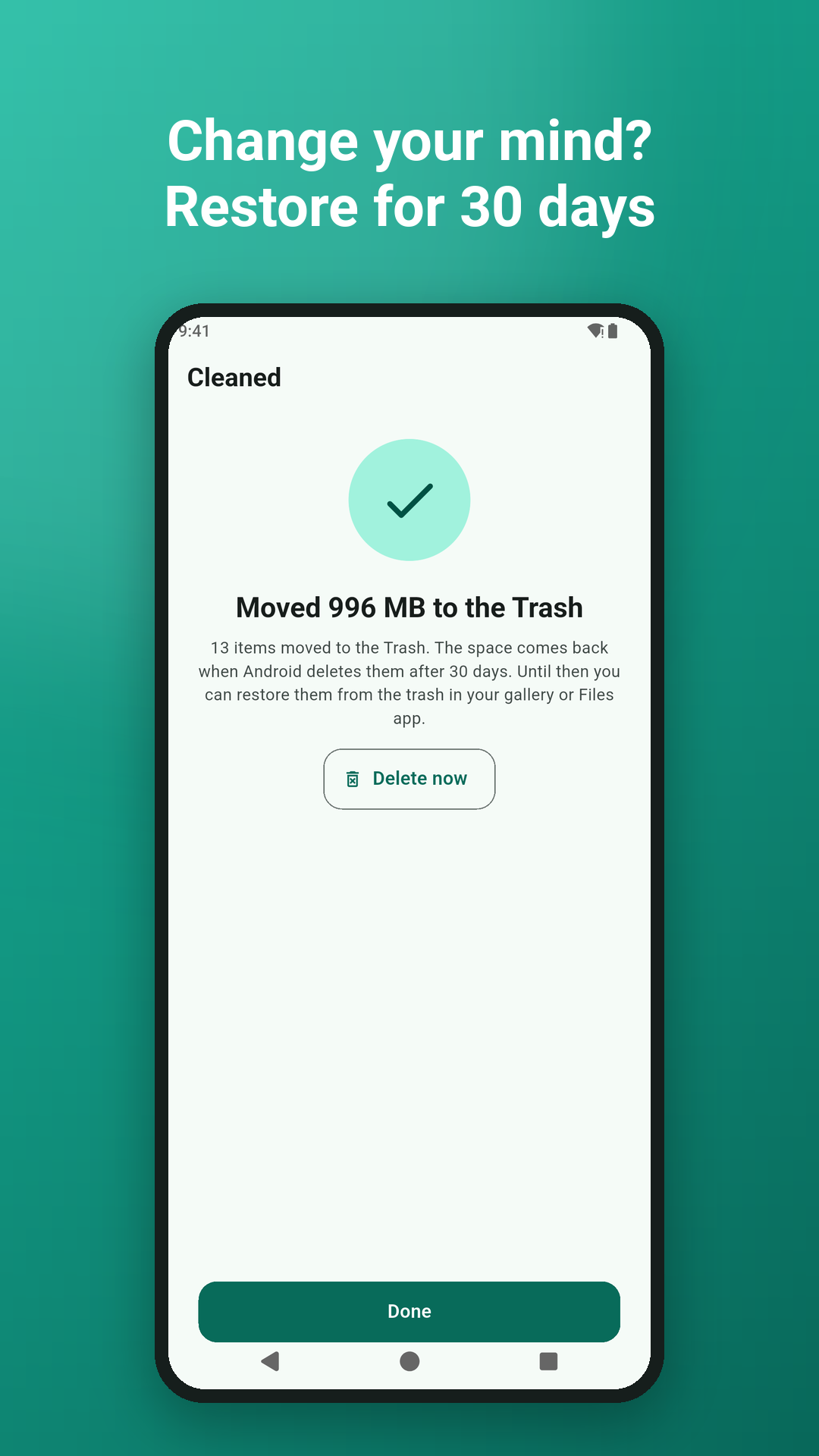
- On Android 11 and newer, Android asks you to confirm, then keeps removed items in its trash for 30 days.
- On Android 10, removed items wait 30 days in Clearling's Recently removed.
- Clearling tells you the truth about space: items in the trash still use storage until they're deleted.
Private by design
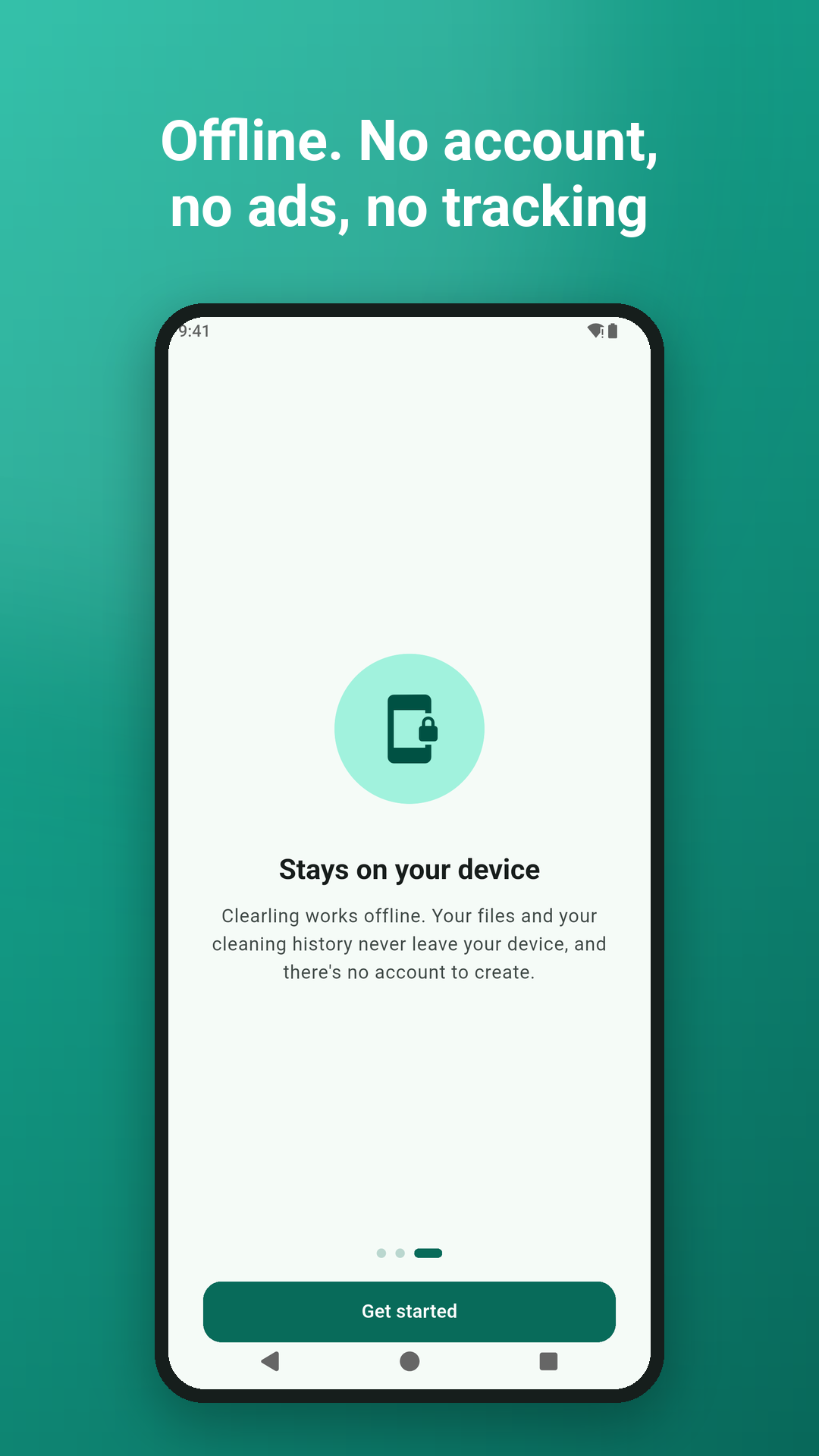
- Clearling works offline. It doesn't even have permission to use the internet.
- No account, no ads, no tracking.
- Your files and your cleaning history never leave your phone. Privacy policy
Your choice of access
Clearling asks for access to photos and videos only when you start a scan, and says why first. If you'd rather not, you can choose photos and videos yourself, or let it see only some of them (Android 14 and newer).
What it doesn't do
No "phone boosters", no fake RAM cleaning, no alarming warnings. Android doesn't let apps clear other apps' caches or read other apps' documents, so Clearling doesn't pretend to.
Questions
How do I get back something I removed?
On Android 11 and newer, open your gallery or the Files app and look in its trash (sometimes called Recently deleted or Bin). Items stay there for 30 days. On Android 10, open Clearling and go to Recently removed.
Why didn't my free space go up right away?
Items in the trash still use storage until they're deleted, after 30 days. If you need the space now, "Delete now" in Clearling removes them for good, after a clear warning.
Does Clearling send my photos anywhere?
No. Clearling has no internet permission, so it can't send anything anywhere. It reads file names, sizes and dates on your phone to show you what takes space.
Why doesn't it clear other apps' caches?
Android doesn't let apps do that. Apps that claim to are usually showing you a number, not freeing space. To clear an app's cache, use Settings › Apps › (the app) › Storage.
Which languages does it speak?
English and French, following your phone's language.